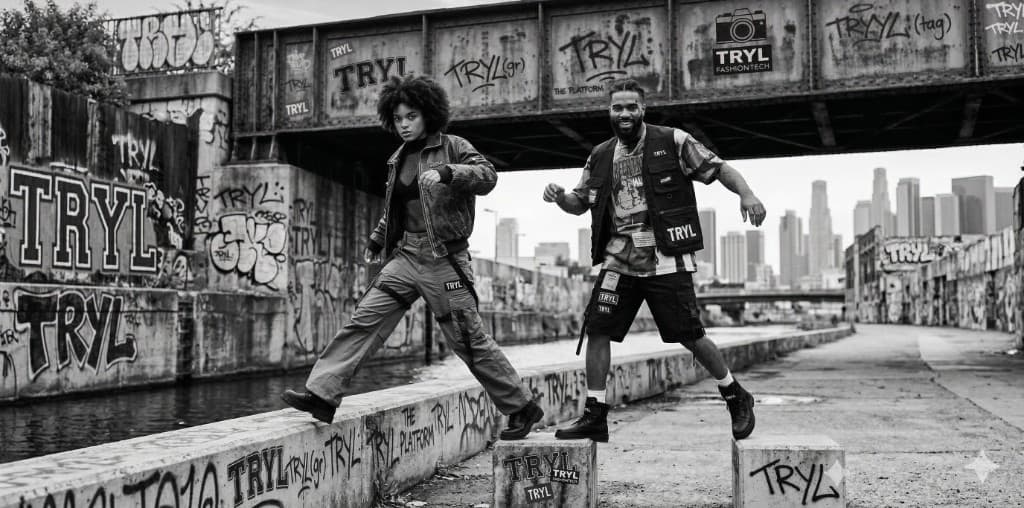
See how clothes look
on you
Upload your photo once. Then try on any Zara item while you browse. No size guessing — just try it.
Upload your photo
Upload a front-facing photo to create your fitting profile. This takes just a few seconds.
- ✓ Stand straight
- ✓ Face the camera
- ✓ Full body visible
- ✓ Simple background
Overshirt$59.90
Browse Zara
Open any product page on Zara. The Tryl extension icon appears in your browser — ready when you are.
New brands dropping soon
Click Try On
Click the Tryl button to generate your virtual try-on. It only takes a moment.
See your result
Your personalized try-on image appears in seconds. See exactly how the item looks on you.
Invite friends
Share your invite code and earn more tries.
Tips for best results
Clear Photo
Use a clear, front-facing photo with good lighting. ✓ Facing forward
Fitted Clothing
Wear fitted clothes in your photo for the most accurate result. ✗ Loose clothing
Clean Background
A neutral, uncluttered background works best. ✓ Solid wall
Share your feedback
Help us improve Tryl. Tell us what you liked, what we could do better, or any ideas you have.
Open feedback form